
Your site changes when you want it to.
You edit it yourself, or you write to us and we take care of it. Both are part of the $50/month, with no plugins to keep updated.
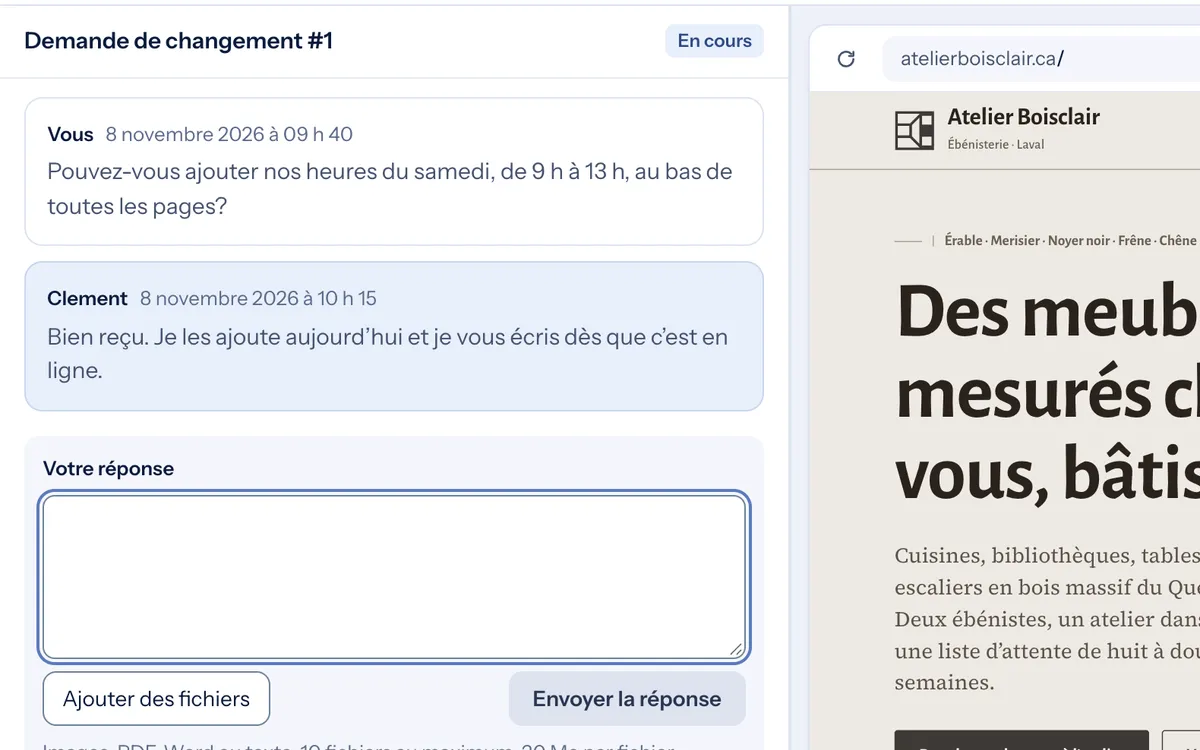
Can we swap the photo on the Kitchens page for this one and add “by appointment” under the hours?
cuisine-noyer-02.jpgAttached page: /cuisines/It's live. I've linked the preview so you can check.
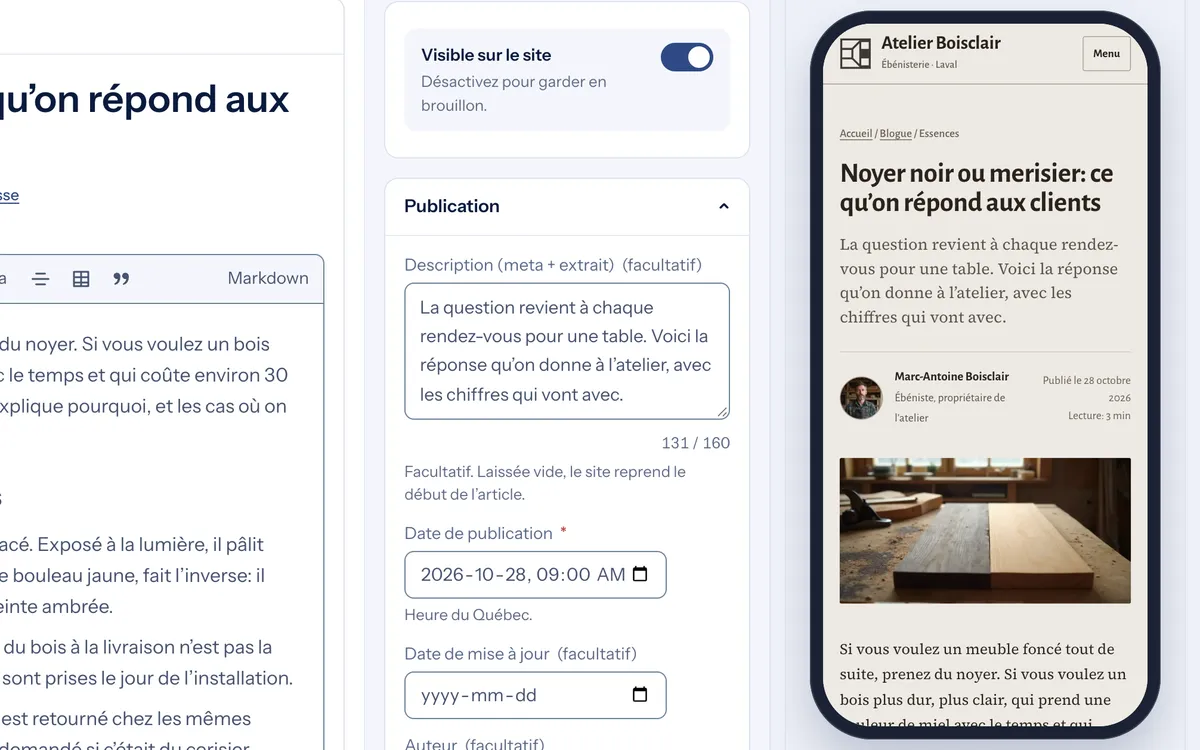
You see what your site brings you.
Visits, inquiries received, most-viewed pages, sources. No cookies, so no banner to accept. And your PageSpeed score, monitored every day.
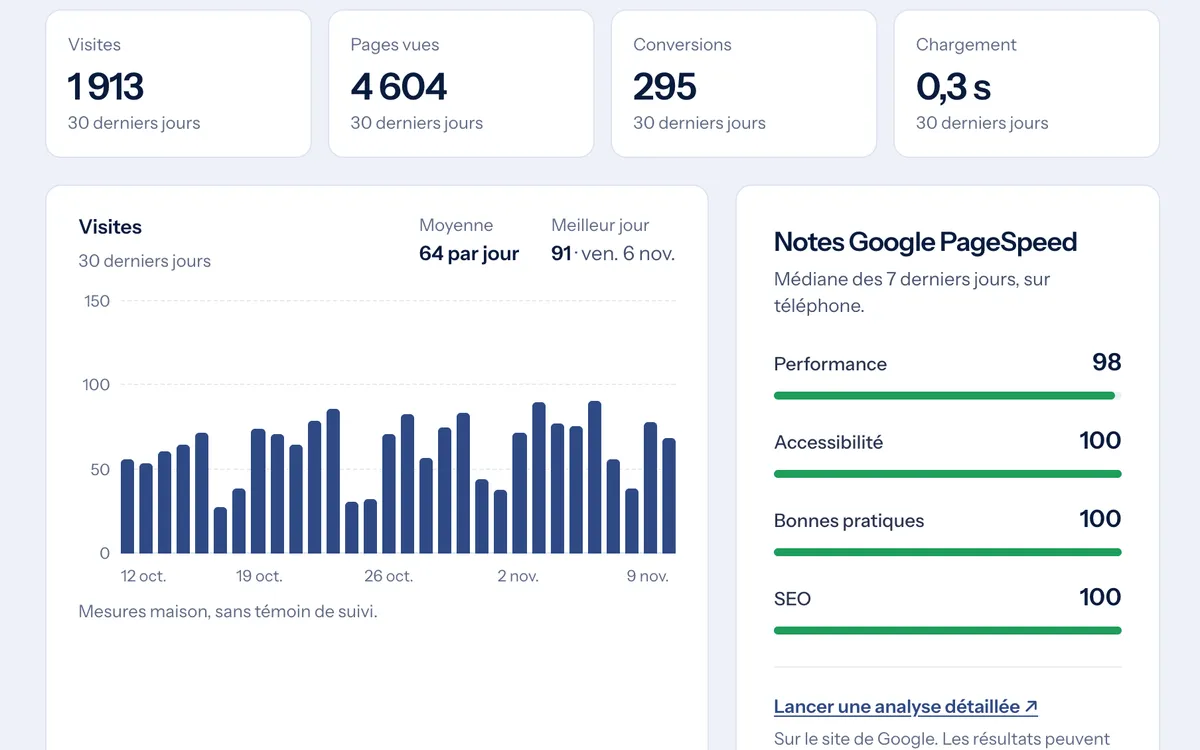
Write to us from the page you want changed. We take care of it.
You describe the change and attach your files. The page you were looking at is attached automatically. We reply in the same conversation, usually within 48 hours.
Included in the $50/month. You never have to open the editor.
The same freedom to edit. Not the same upkeep.
What the portal does, screen by screen.
Eight questions we get on the kickoff call. The screenshots show Atelier Boisclair, a fictional client.
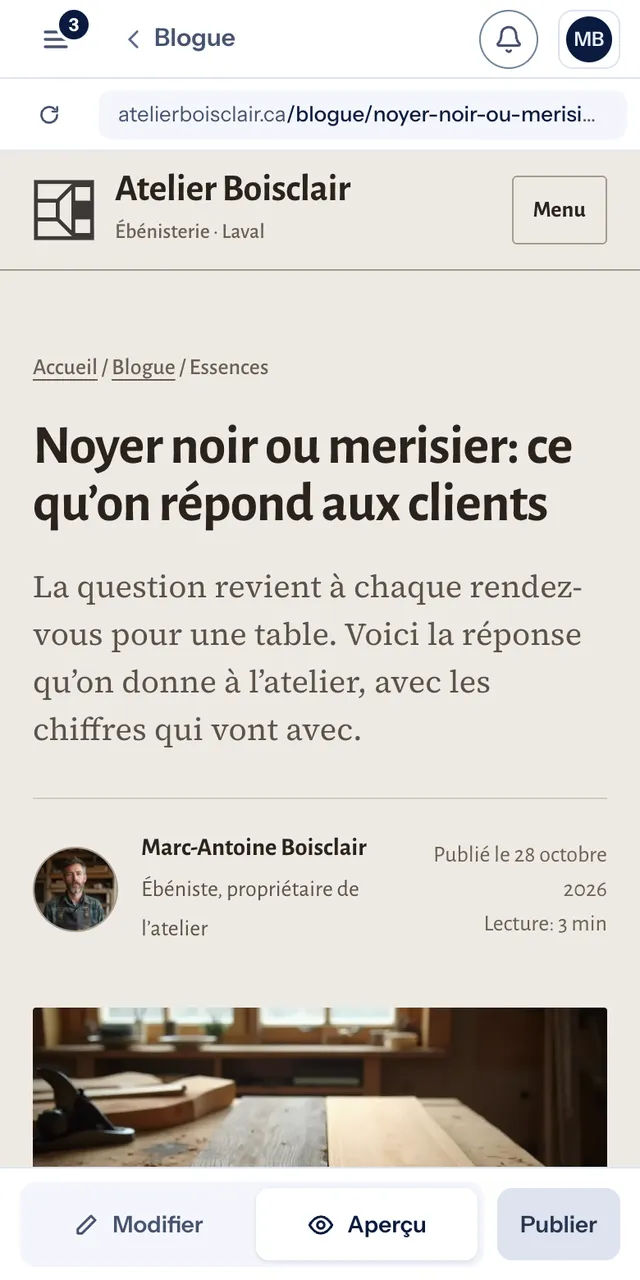
How do I write and publish a post?
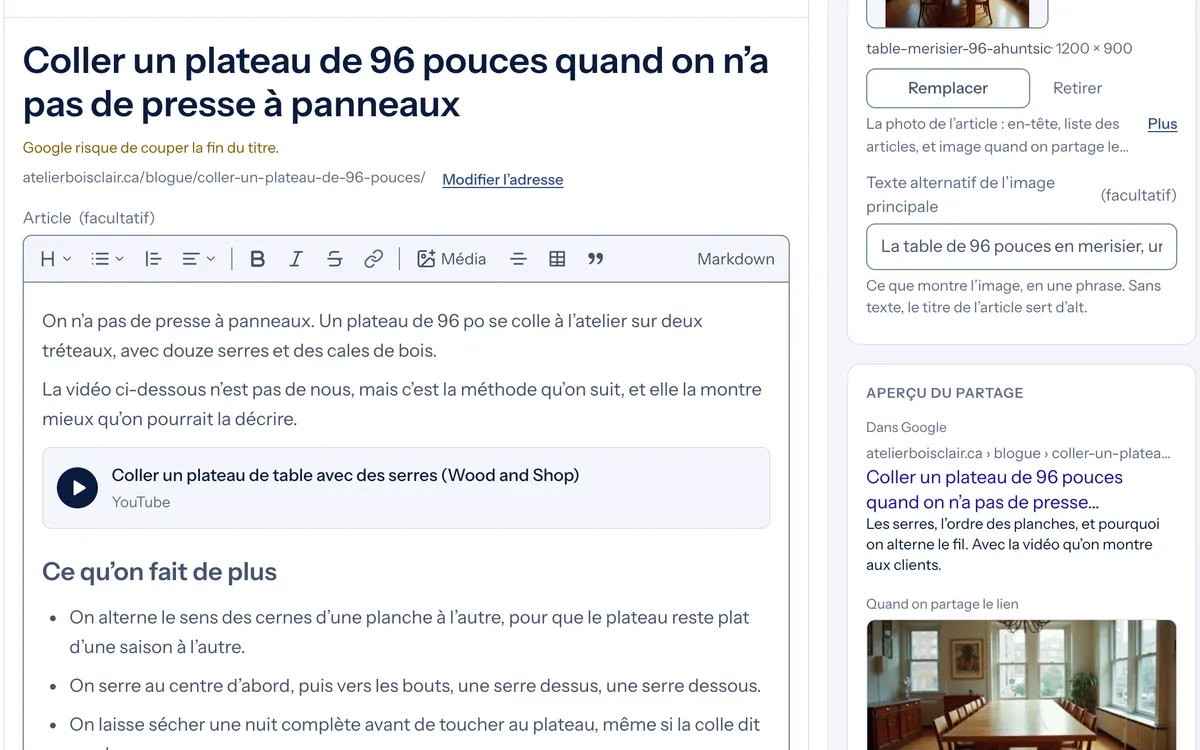
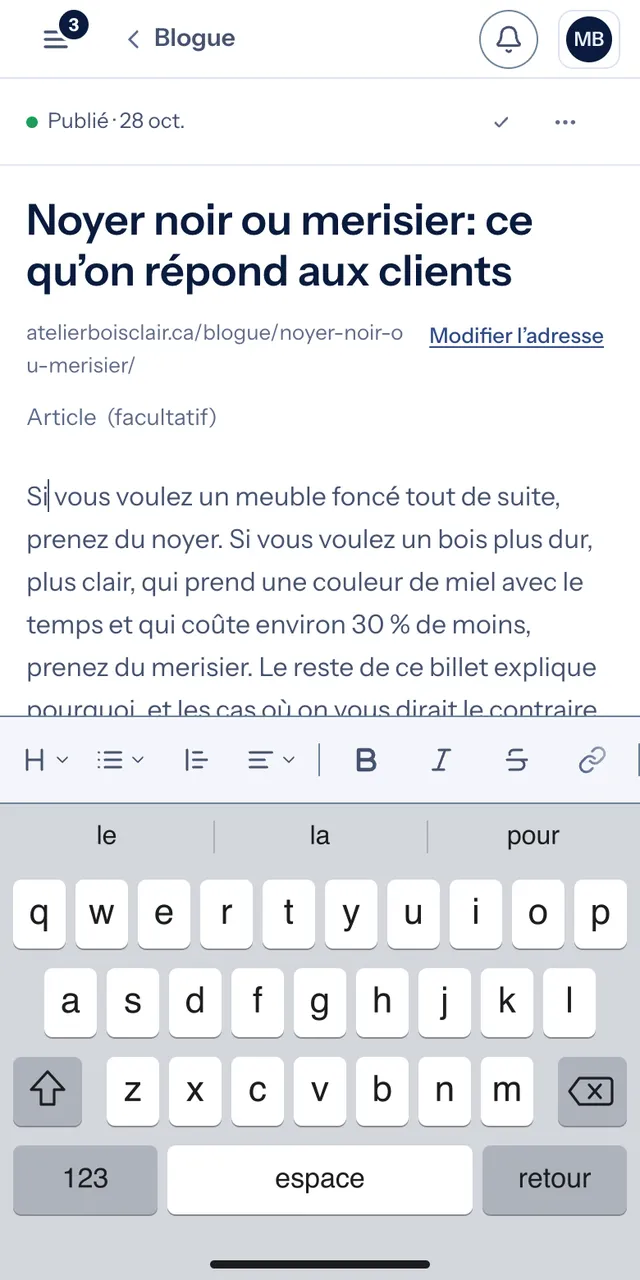
An editor that works like a word processor. Nothing to install.
- Tips as you write: title length for Google, a photo with no description
- Share preview: the Google and Facebook card before you publish
- Numbered sources at the bottom of the post
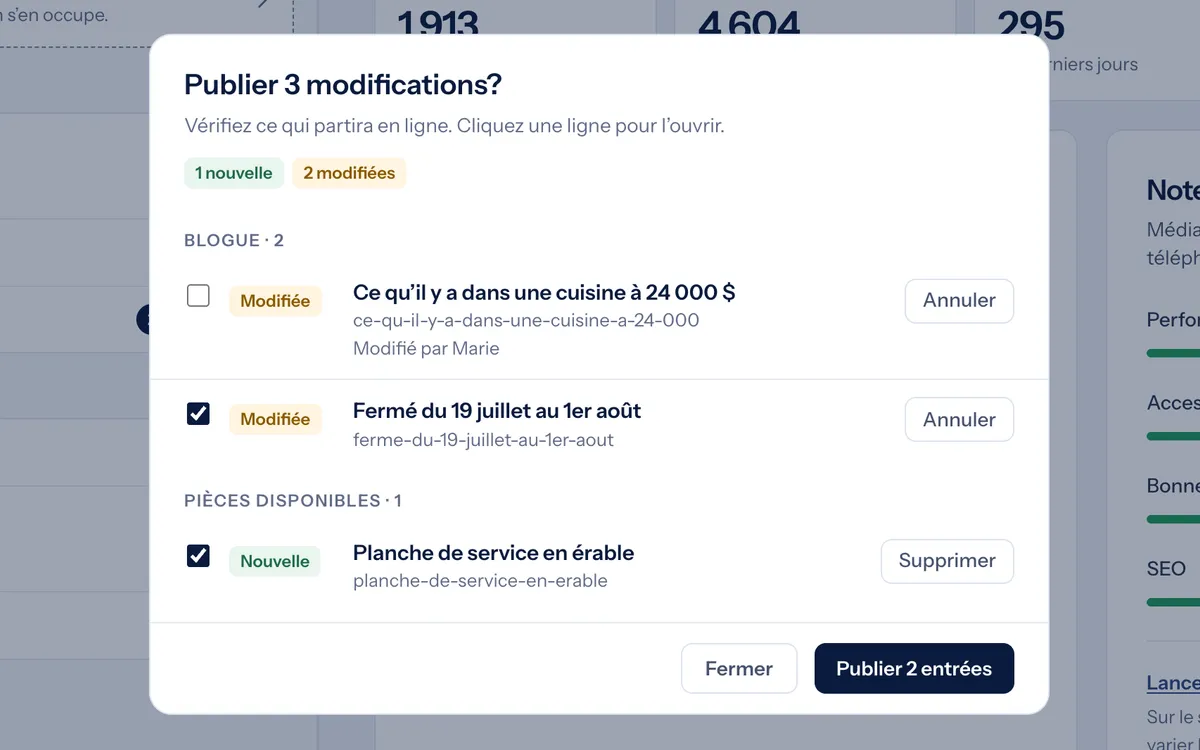
Can I see it before it goes live?
Yes. The preview is the real site with your changes, on a phone or a computer.
- The list of what changed since the last publish
- Uncheck what you're keeping for later
- Nothing is public until you click Publish
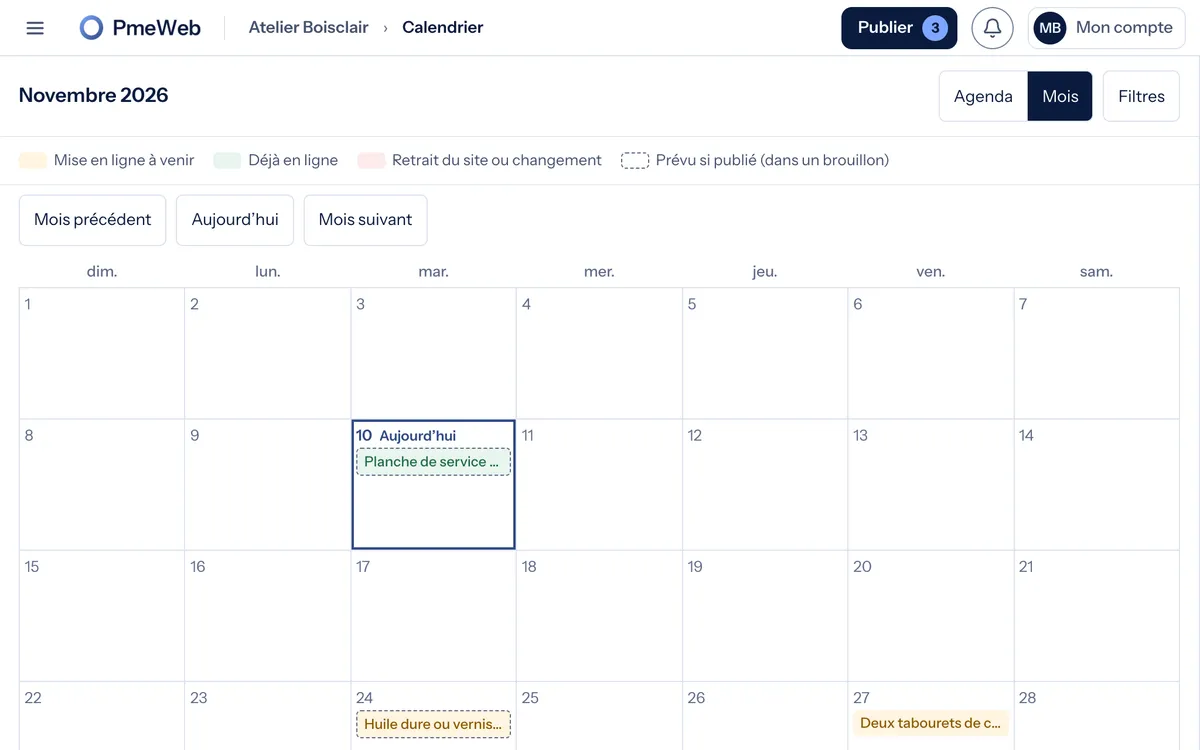
Can I schedule ahead?
You pick the date and time. The post goes up on its own.
- A removal date for a promotion or an event
- The editorial calendar, Month or Agenda view
- A draft stays a draft until you decide
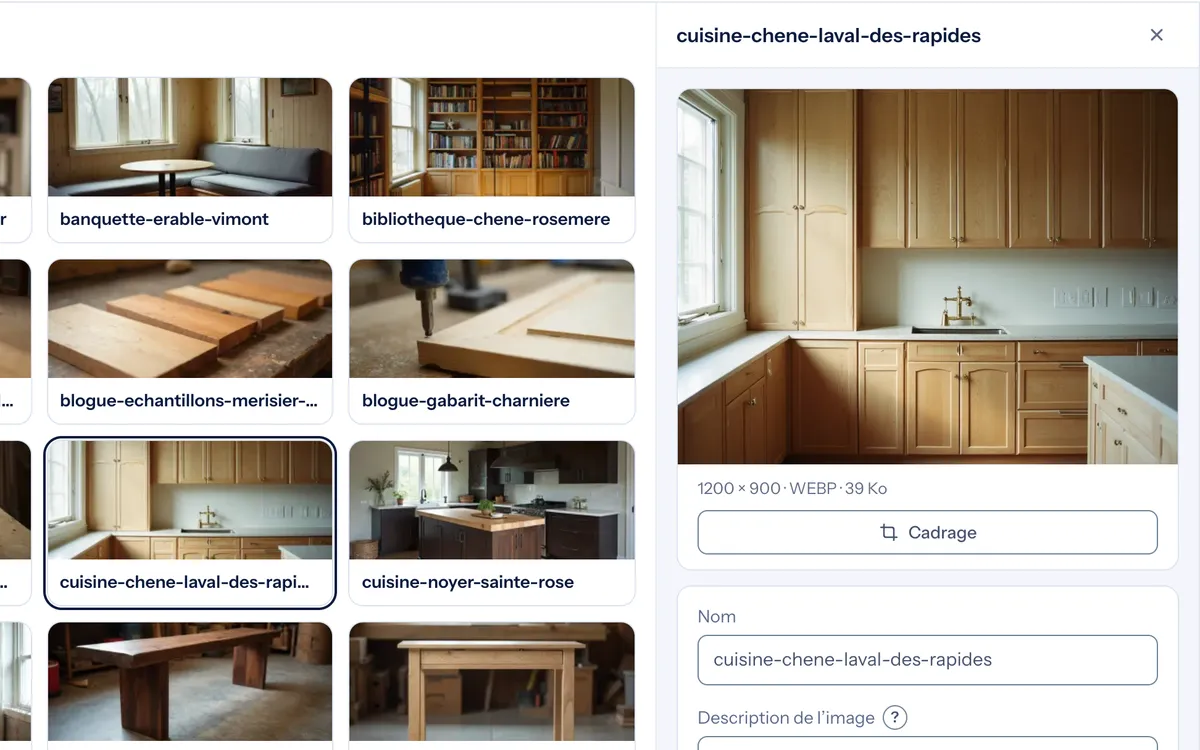
And my photos, my videos?
Everything goes into the Media library once and is reused everywhere.
- Cropping and a focal point, framed right on phones
- Your videos and audio files, hosted with the site
- A YouTube link becomes a player
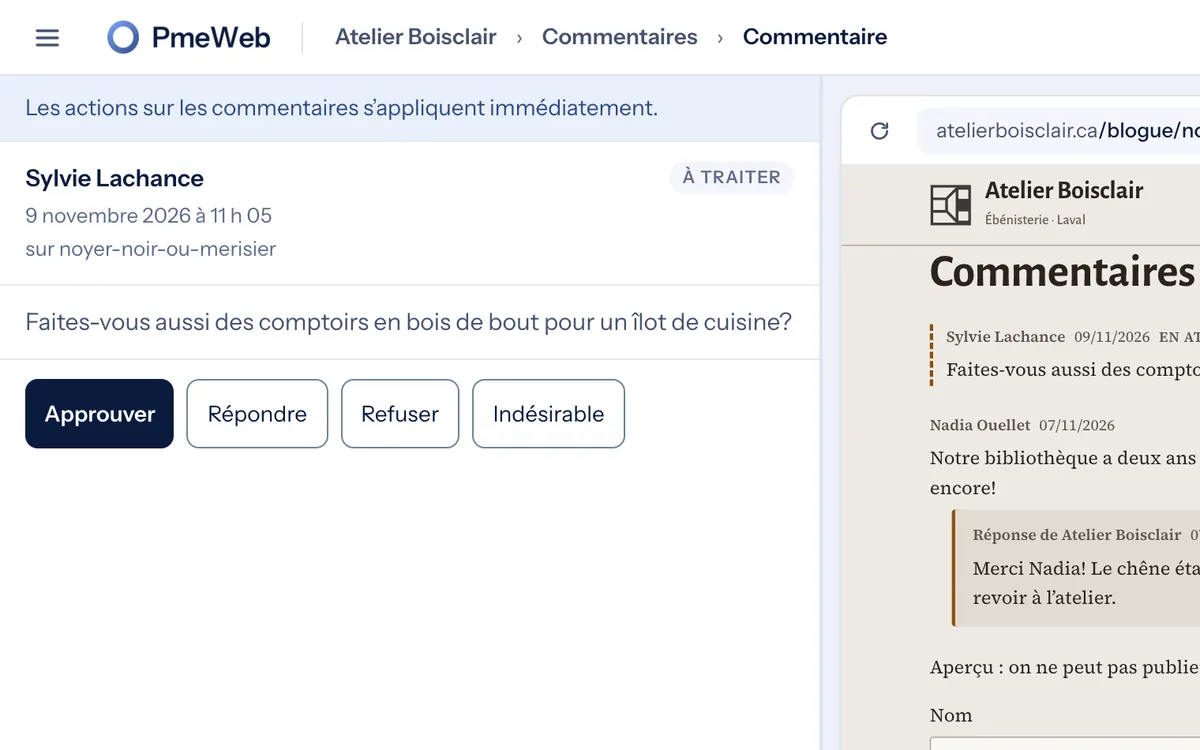
Comments: who handles them?
You, in two clicks. Nothing appears without your OK.
- Approve, reject or mark as spam
- Reply, signed with your business name
- Live in under a minute once approved
What if I want to go back?
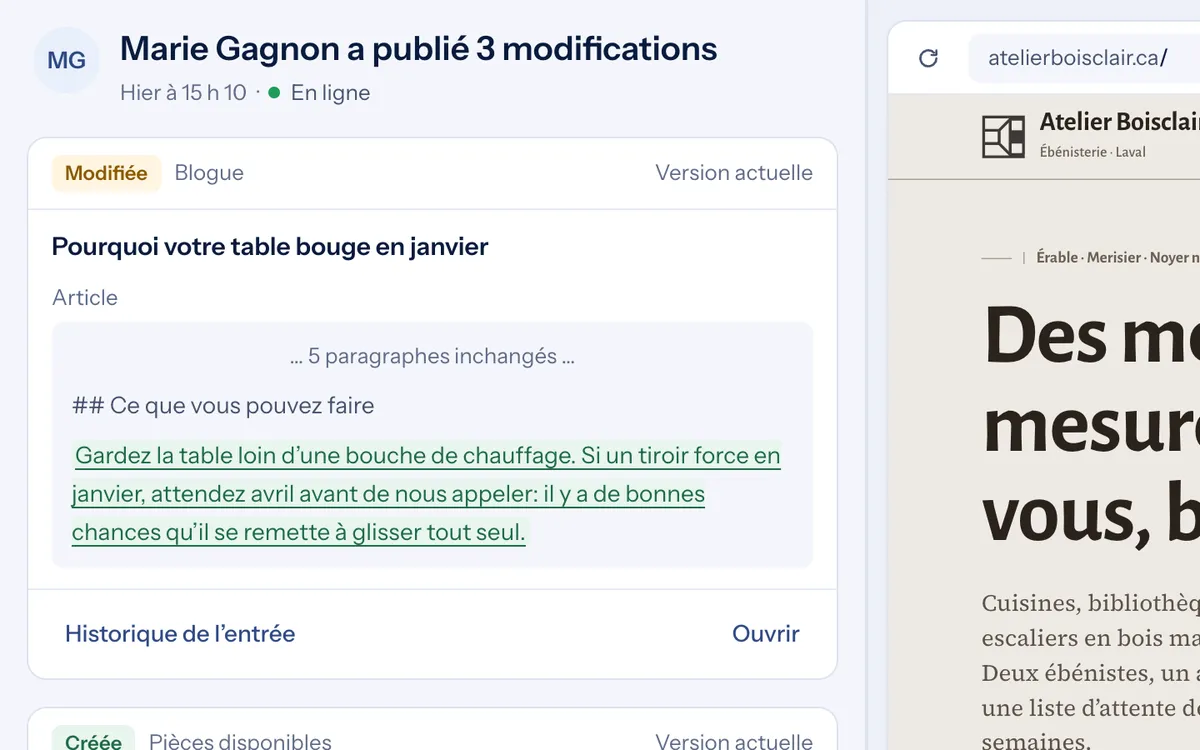
The History keeps everything that was published: what, who, when.
- Two versions compared field by field
- Any version restored as a draft, to check in the preview
- Nothing gets lost
Can my team work with me?
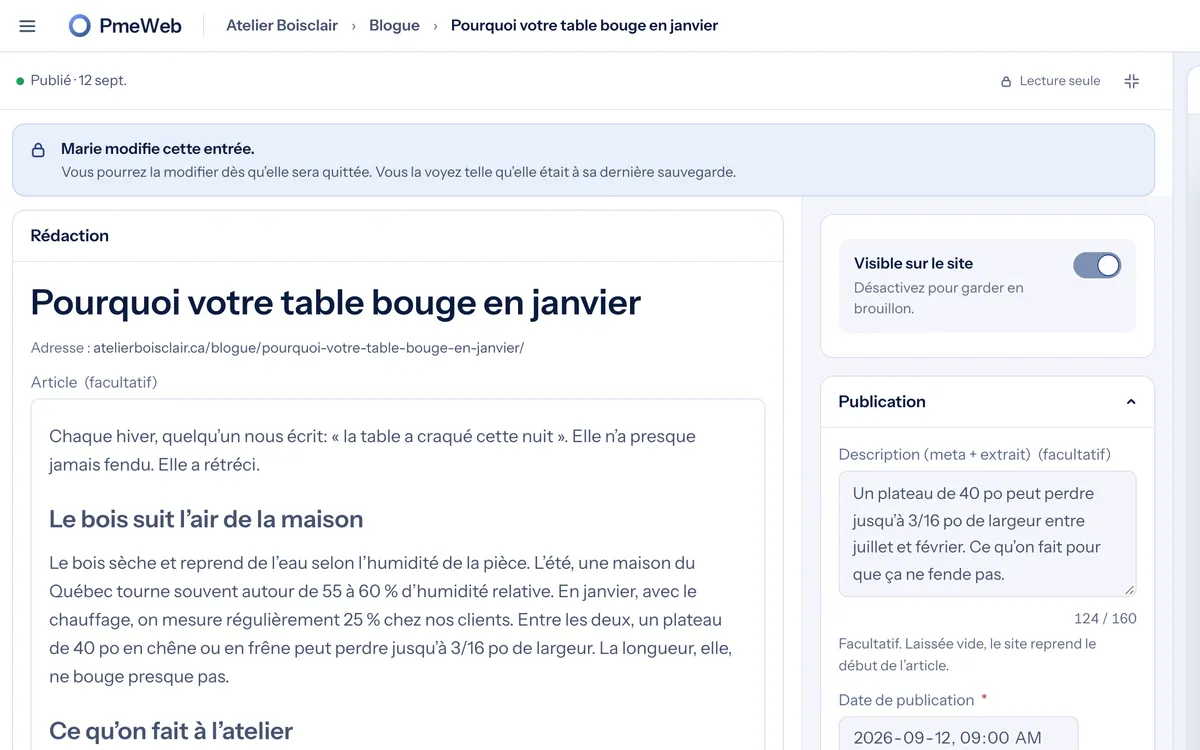
You invite your colleagues. Two roles: Owner and Editor.
- The Editor writes and publishes, the Owner keeps the settings
- One person at a time per entry: “Marie is editing this entry”
- You can see who published what
From my phone?
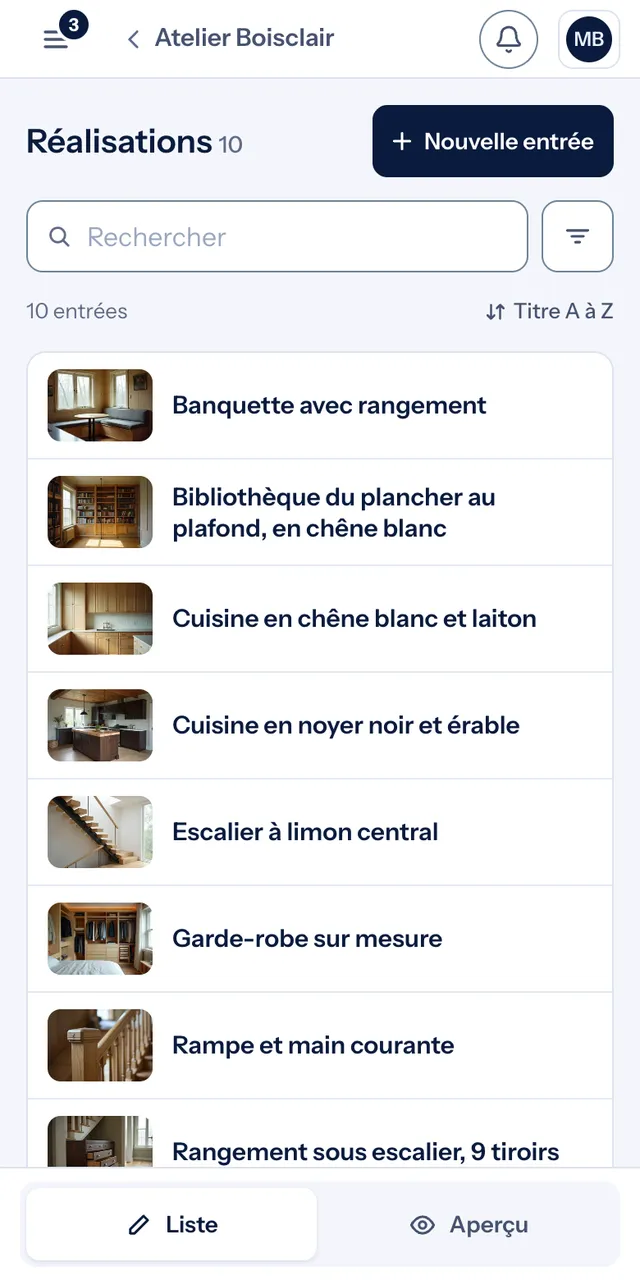
Yes. You finish a kitchen and publish the job-site photos before you climb back into the truck.
What people ask us about the portal
The short answers.
If I leave, what do I keep?
Your text and images, exported. Your domain name too. The site's code stays ours.
How much does the portal cost?
Nothing extra, it's all included in the $50/month. The blog, comments, extra storage and video are turned on free, on request.
Can my employee publish?
Yes. You invite them as an Editor: they write and publish, you keep the settings.
Do I need to know how to code?
No. The editor works like a word processor. And if you'd rather not touch anything, you write to us.
What if I break something?
You can't: the editor doesn't touch the code or the layout. The History brings back any version in one click.
Tell us about your business.
A call of about thirty minutes. Your site is online about two weeks later, portal included.
We reply within 24 hours. No commitment.